
Settings: Company profile
Your company profile is the business information that appears on the purchase orders you send to suppliers.
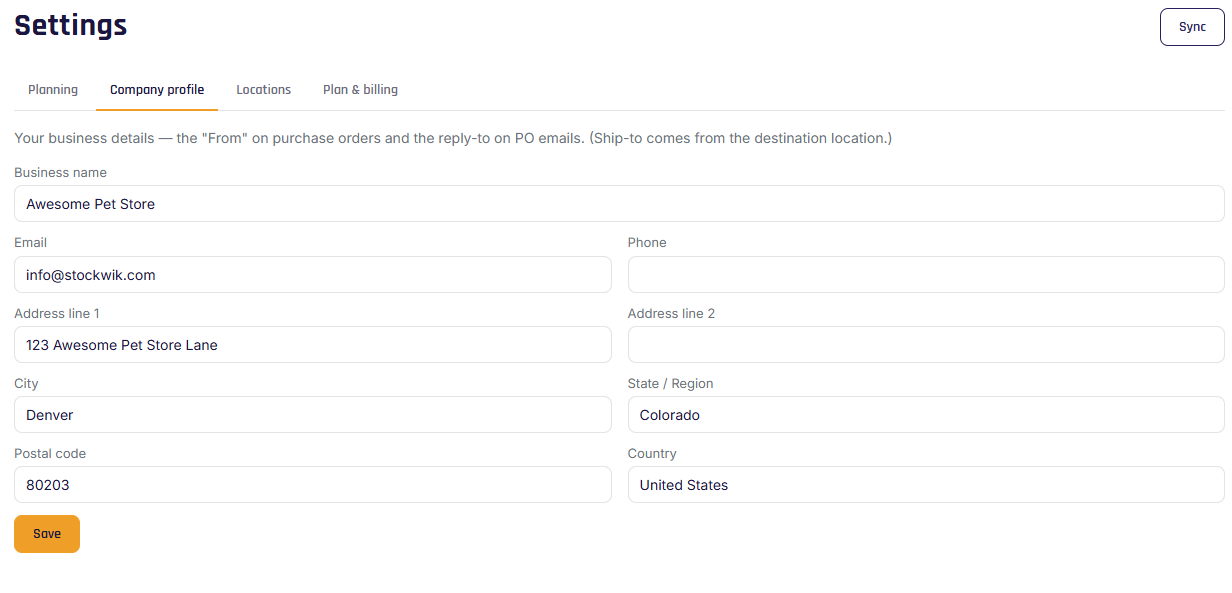
Fields
- Business name
- Email — used as the reply-to on emailed POs (so suppliers can reach you).
- Phone
- Address (line 1, line 2, city, state/region, postal code, country)
Click Save to apply.
Where it shows up
These details form the "from" block on every purchase order — printed or emailed. The "ship to" address, by contrast, comes from the destination location (see Locations).
Note
Set your email before sending POs by email — it's used as the reply-to address. Without it, the email option won't work.