
Settings: Locations
Your locations come from Shopify. Stockwik shows them here and lets you pick which one purchase orders deliver to by default.
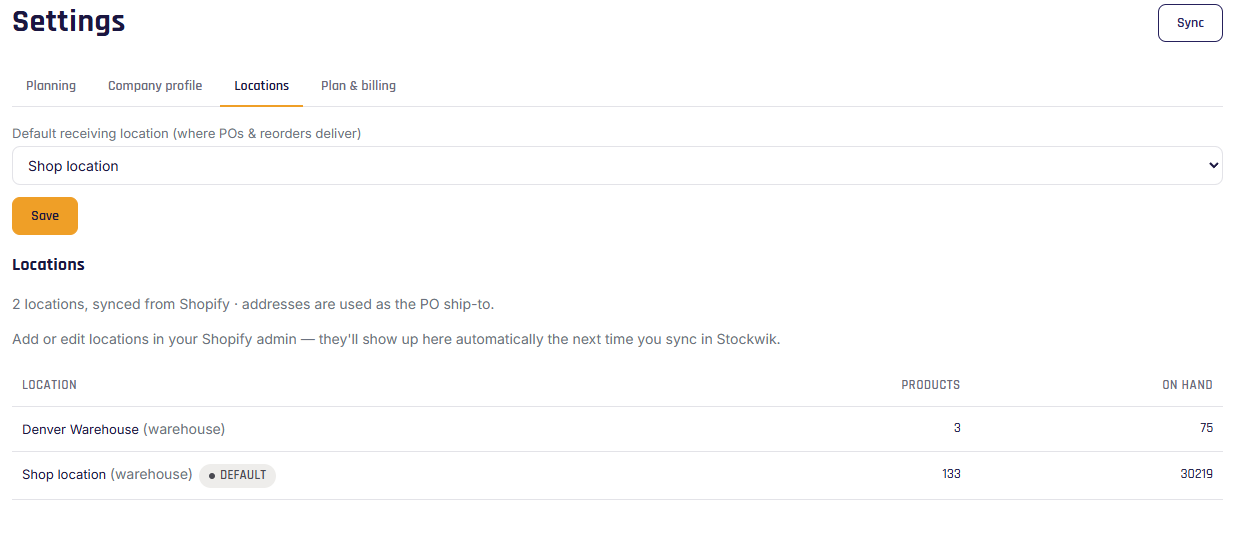
The locations list
A read-only list of every location synced from Shopify, with its type (retail / fulfillment / online), the number of products stocked there, and total on-hand. Each location's address is used as the "ship to" on your purchase orders.
Default receiving location
Choose which location new purchase orders and reorder suggestions deliver to by default. You can always override the destination on an individual PO or on the Reorder page.
Multiple locations
If you have more than one location, Stockwik shows on-hand per location on product detail, and unlocks Transfers (Pro) for moving stock between them. Stockwik is designed around a single primary fulfillment hub; per-location demand planning isn't part of today's release.